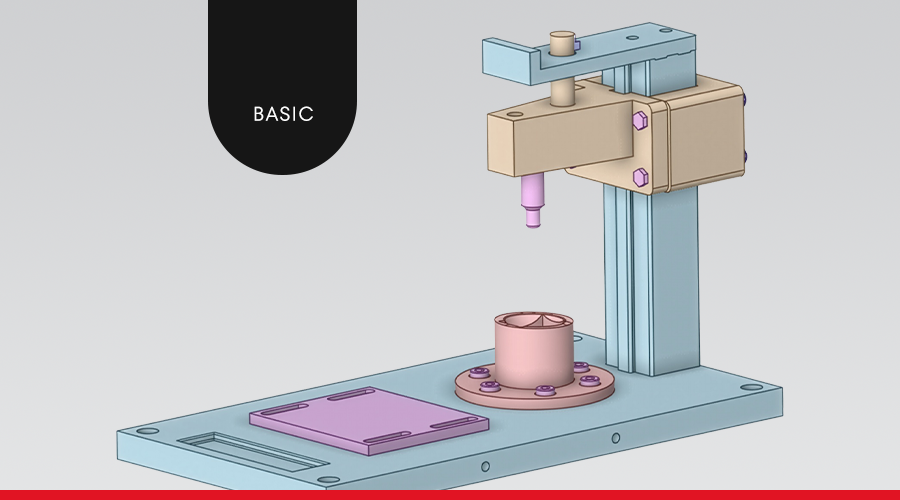
Introduction to Geometric Modeling using Ansys Discovery
Subscribe now for $400.00-
Module 01 - Introduction to Ansys Discovery
-
Module 02 - Geometry Generation Tools
-
Module 03 - Repair Tools
-
Module 04 - Ansys Discovery Modeling for CFD
-
Module 05 - Ansys Discovery Modeling for FEA
-
Module 06 - STL Handling and Conversion in Ansys Discovery
-
Module 07- Parameterization using Ansys Discovery Modeling
-
Final Considerations
Description
In this course, participants will learn how to use Ansys Discovery software to understand and apply CAD geometry generation, as well as the main methodologies used in preparing models for FEA and CFD simulations.
The Course in Geometric Modeling with Ansys Discovery provides a detailed overview of the main modeling tools available in the Model environment.
Throughout the course, participants will learn the essential features for the entire process of creating geometry from sketches, including tools for editing and preparing models for FEA and CFD simulations.
In addition, the course covers the use of specific tools for manipulating STL geometries, as well as automation and parameterization techniques applied to the creation and modification of geometries.
Access period: 180 days with the single course purchase | 365 days with the Full Pass annual subscription and access to the entire course catalog
Category: Multiphysics
General info
Content
- Introduction to Ansys Discovery
- Geometry Generation Tools
- Repair Tools
- Ansys Discovery Modeling for CFD
- Ansys Discovery Modeling for FEA
- STL File Processing and Conversion in Ansys Discovery
- Parameterization with Ansys Discovery Modeling
Objective
To present the fundamentals of geometric modeling applied to simulations in the fields of structural analysis and computational fluid dynamics, and to explain the basic functions of the Ansys Discovery software.
Target audience
Industry professionals, students, and academic professors interested in improving their knowledge in simulation techniques.
Methodology
Students have the flexibility to complete the training at the most convenient time in their daily routine. The videos, texts, and exercises have been prepared, reviewed, and structured in advance, allowing for optimal asynchronous use. Access to the educational platform is individual and non-transferable. Sharing access and downloading video materials is prohibited. If a student violates ESSS’s copyright rules, they may face the penalties provided by law.
Access period: 180 days with the single course purchase | 365 days with the Full Pass annual subscription and access to the entire course catalog
Certificate
Upon full completion of the course, students receive an international certificate in electronic format, confirming completion of the course and the total number of hours completed. The certificate is issued by the ESSS Institute, a global leader in the field of computer simulation. ESSS ensures the quality of the course through its experience and recognition as a leader in computer simulation. With more than 300 employees, it is undoubtedly the largest CAE company in Latin America, with a portfolio of more than 800 companies worldwide. The faculty consists of ESSS faculty members holding doctoral and master’s degrees, as well as guest lecturers, all with solid backgrounds in teaching, research, and consulting.
Subscribe now
Subscribe now for $400.00